


Flash Decompiler Trillix
Decompile Flash, convert SWF to FLA
Moreover, you will be able to extract all elements from SWF files and save them to your hard drive in various formats. And last, but not least, is that Flash Decompiler supports batch conversion mode. You can simply leave several files to be converted and go have a cup of coffee while Flash Decompiler is working.
Flash Decompiler doesn't decompile Captivate projectors (EXE), projectors created outside of Adobe Flash.
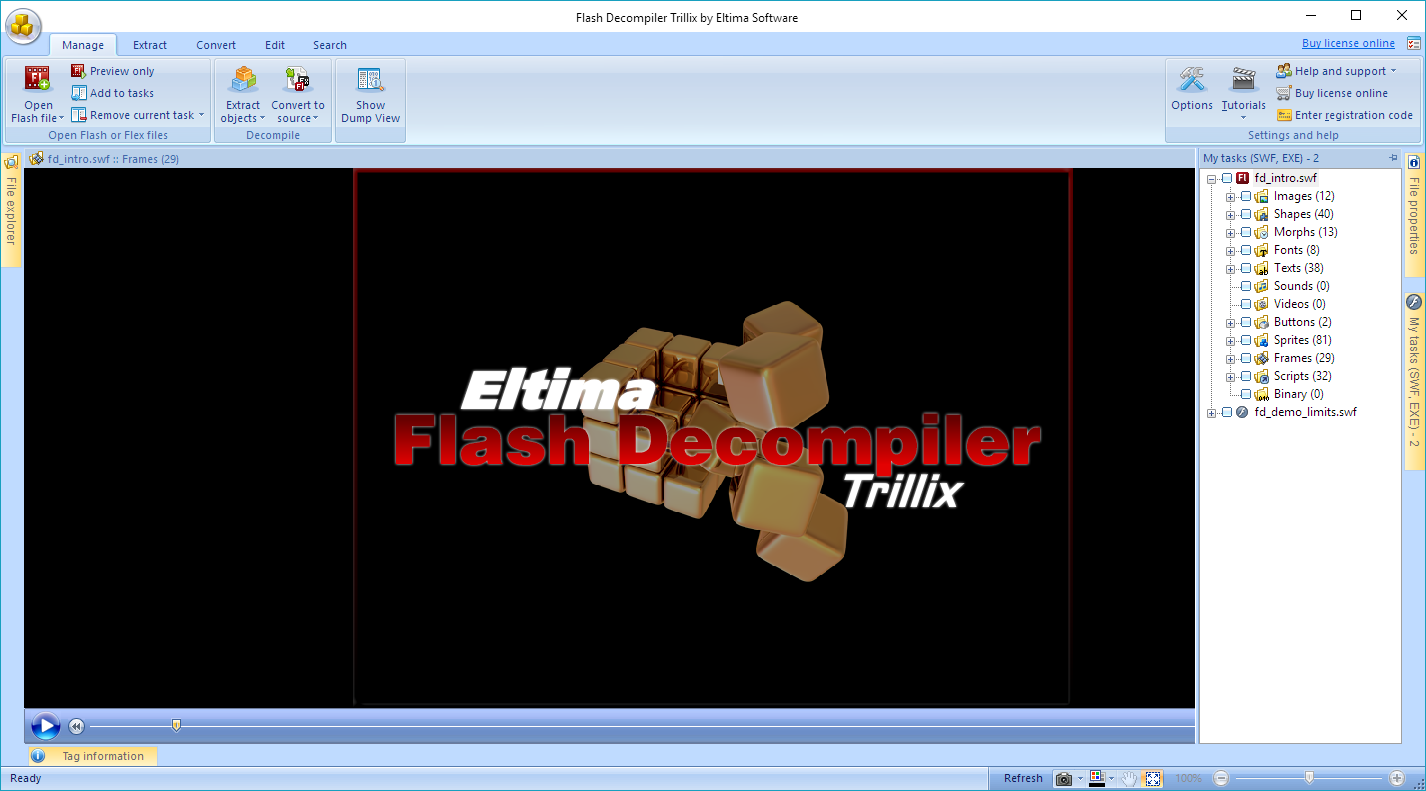
With Flash Decompiler you can
-
Convert SWF to FLA or Flex source code
Did you lose your original FLAs or Flex project files? Did your computer crash? Actually, it doesn't matter where your original FLAs now, but it is a great problem if you don't have them. Actually, the solution is right in front of you. Flash Decompiler by Eltima is able to restore your original source code FLA or Flex so you can edit and alter them in any way you want in the native Flash environment. -
Edit SWF files
Unique Edit SWF capabilities of Flash Decompiler let you edit existing sounds, images, colors, gradients, lines, texts and static links even without conversion to FLA or Flex source format. A built-in explorer makes browsing your PC for Flash movies and adding them even for batch decompilation and conversion extremely simple. Intellectual item-by-item preview, user-friendly controls with fully-customizable interface make Flash Decompiler a feature-rich user-friendly environment for professional work. -
Extract SWF elements
With SWF Decompiler Trillix you can easily export SWF elements to your hard drive: Flash Video to AVI, MPEG, FLV and FLA, save sounds as WAV or MP3, images - as PNG, JPEG and BMP, texts as RTF, TXT and HTML. Flash Decompiler Trillix lets you convert the whole SWF file into FLA, or export certain Flash resources into FLA format. Flash Player EXE files are decompiled the same easy way as common SWF files.
Full features list
| Full support of Flash 5, 6, 7, 8, 9, 10, Flash CS5, CS6 and CC including AS 2.0 and 3.0 | |
| Extract all Flash file resources into various formats | |
| Support of SWF files built in Flex (v3 and v4 supported) | |
| Extract Flash video into AVI, MPEG and other playable formats | |
| Flash files conversion into Adobe Flash CS5 file format (.xfl - XML-based FLA) | |
| Basic conversion of SWF files with a standard Flash preloader (e.g. files with TLF texts) | |
| Basic decompilation of Adobe AIR applications | |
| Batch decompilation and conversion of Flash movies | |
| Edit more Flash objects now without converting to FLA: images, texts, static links, sounds, colors and lines | |
| Support of SWF files embedded into a SWF file as binary data (nested SWF files) |
Corporate offers
Along with end-user solutions we offer special purchase options to our corporate clients. You can obtain the whole Flash Decompiler engine or its constituents in the form of DLL libraries or source code. Today we offer the following integration options
Source Code License
Detailed manual on implementing the source code.
| 1 Year | 6 Month |
|---|---|
| Free Technical support | Free Upgrades |
DLL/ActiveX/COM object
Detailed manual on implementing DLL library or ActiveX Control or COM object into your software.
| 1 Year | 6 Month |
|---|---|
| Free Technical support | Free Upgrades |
Source Code License
SWF objects tree representation.
Detailed manual on implementing the source code.
| 1 Year | 6 Month |
|---|---|
| Free Technical support | Free Upgrades |
DLL/ActiveX/COM object
Detailed manual on implementing DLL library or ActiveX Control or COM object into your software.
| 1 Year | 6 Month |
|---|---|
| Free Technical support | Free Upgrades |
Source Code License
Detailed manual on implementing the source code.
| 1 Year | 6 Month |
|---|---|
| Free Technical support | Free Upgrades |
DLL/ActiveX/COM object
Detailed manual on implementing DLL library or ActiveX Control or COM object into your software.
| 1 Year | 6 Month |
|---|---|
| Free Technical support | Free Upgrades |
Please, note that all options include OEM rights for unlimited redistribution of your software with our software embedded and we do not require any fee paid per license of your software sold. The only requirement is that your software does not compete our titles and you do not seek to participate in the same market. Multiple forms of payment are available, so you won't have any inconveniences with covering the price. Please, feel free to contact our sales department for details and availability sales@eltima.com
-
- 4.8
Now I have the ability to export the whole movie in FLA format and also extract several elements from a Flash movie with Flash Decompiler. Client: Izzy La Boy
Flash Decompiler Trillix for Windows
Also available
-
Flash Decompiler Trillix for Mac
Convert SWF to FLA and extract SWF elements on Mac OS X
